
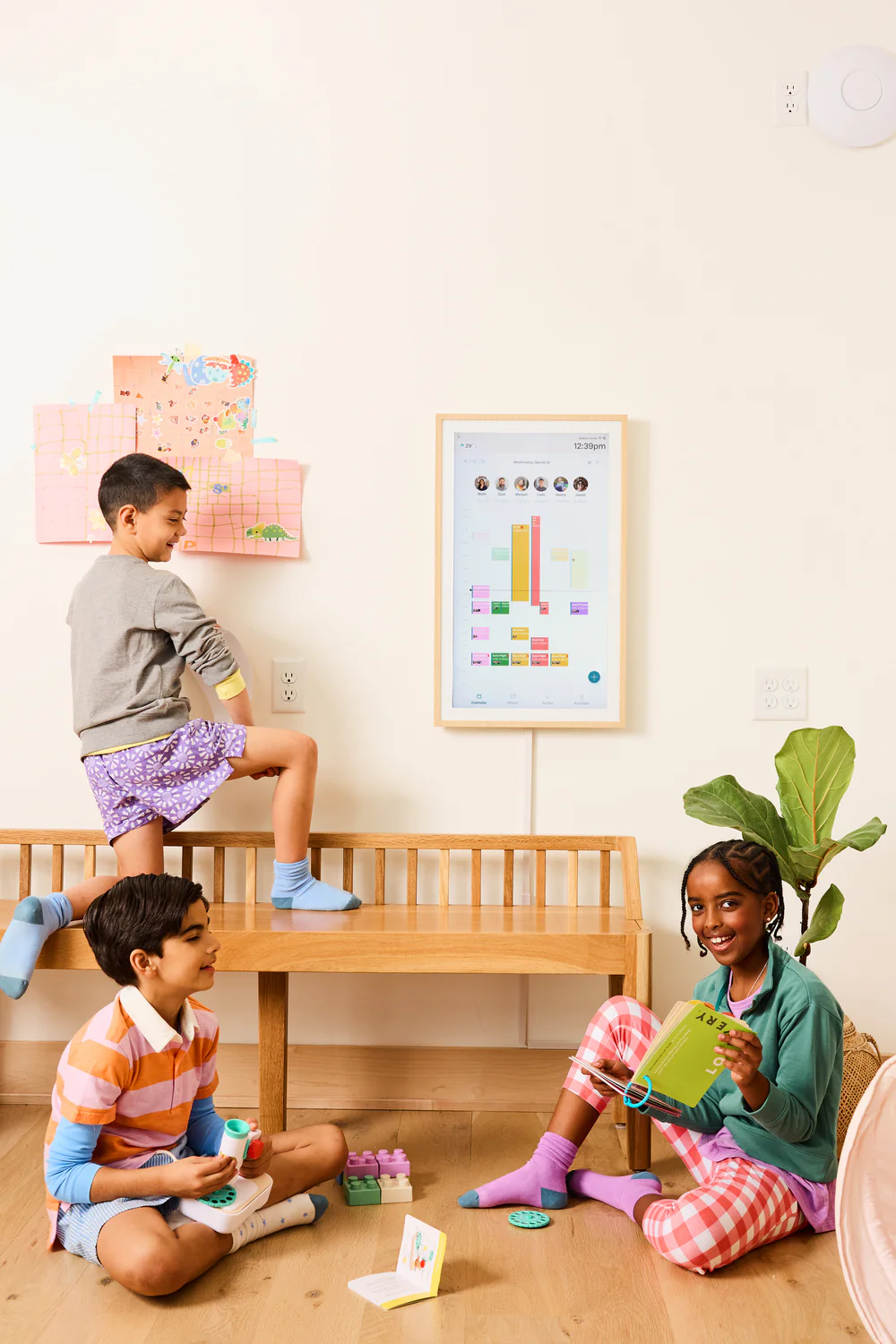
Is it actually worth the money?
Depends entirely on whether your household is already bought into digital calendars. If they are, it can genuinely transform how you organize. If they’re not, no display will fix that.
The most upvoted comment in the whole discussion said it better than we can:
- “If your husband won’t use a free shared calendar, why would he use the expensive shared calendar? This is a husband problem, not a product problem.” (263 upvotes)
For families who’ve made it work:
- “We’ve consolidated a white board meal planner, white board chores chart, our Google calendar, and our Google Keep grocery list. It’s like a family command center having everything in one visible spot. I can’t speak highly enough about what it’s done for our organization and shared mental load.” (3 upvotes)
For families who haven’t:
- “Ugh… I wish I could stop anyone from buying a Hearth. I went all in and bought the most premium model they have. Set it up and then realized just how bad it is. My Hearth just sits there. It’s not useable.” (2 upvotes)
- “Look at the features they’re marketing that they have or allude to having. It’s all bunk.” (2 upvotes)
On the subscription on top of hardware cost:
- “That calendar cost so much, and you’re telling me I have to have a SUBSCRIPTION for that on top??” (2 upvotes)
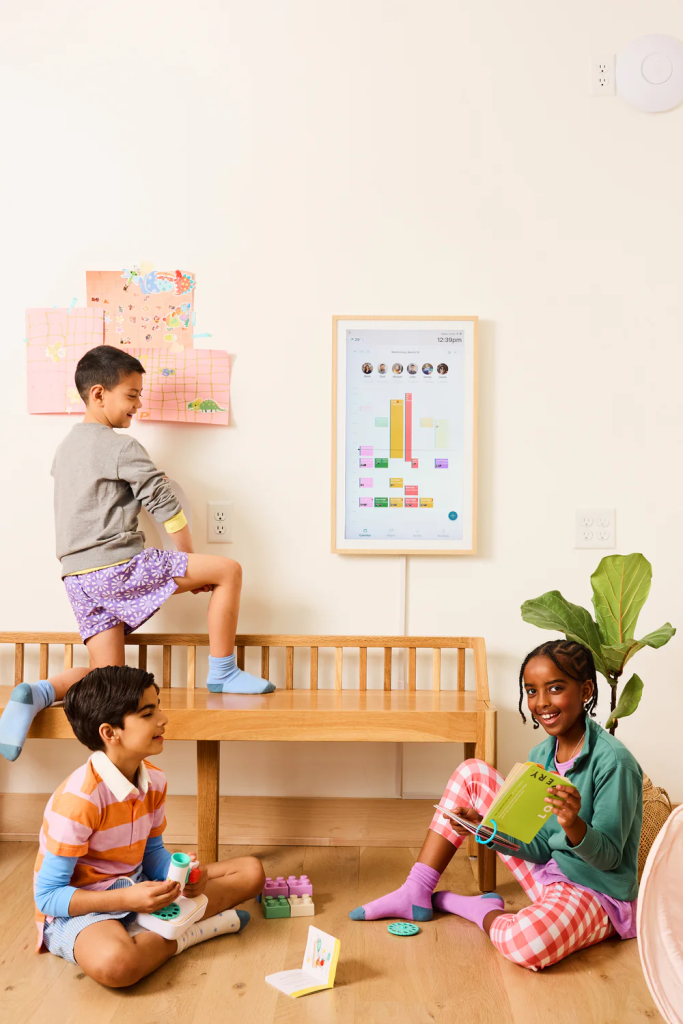
Do kids actually engage with it?
Some do, some don’t — and the OS lag is a real problem here. There’s a documented 5-second delay after task completion animations, which is apparently long enough for kids to lose interest before the next task appears.
When it clicks:
- “It’s been an absolute game changer in the ‘nag’ department for my daughter. We have a morning, afternoon, and nighttime routine set up that include her chores, so she knows if she hasn’t done her routine she doesn’t get to play.” (3 upvotes)
When it doesn’t:
- “The only family specific Hearth feature we used was the tasks, but they were always glitchy and broken, and after a few days the kids didn’t care anymore anyway.” (1 upvote)
What’s actually good about it?
The AI import feature is a genuine time saver:
- “The new-ish AI function saved me so much time. Snap a picture of my kids’ full list of school events and 5 minutes later I have 30 events scheduled on the calendar and I didn’t have to type a thing.” (1 upvote)
For families who’ve committed to it:
- “We got a Hearth calendar last September and it’s been so nice having everything in one place. I can’t speak highly enough about what it’s done for our organization and shared mental load.” (3 upvotes)
What’s the best alternative?
For most people asking this question, DAKboard on an old monitor is the answer — $5/month, fully customizable, and does everything Hearth does without the premium price tag:
- “We DIYed our own. Signed up for a DAKboard subscription for $5/month and found a Roku on sale for $15. Having the family Google calendar visible for everyone is game changing.” (3 upvotes)
- “DAKboard is customizable. You can make it as simple and clean as you want, unlike Hearth where you get no choice.” (1 upvote)
- “I’d still choose the DAKboard. The only family specific Hearth feature we used was the tasks, but they were always glitchy broken.” (1 upvote)
If you want something more purpose-built, Skylight is the most direct competitor and generally considered more polished.
Amazon Echo Show 15 works if you’re already in the Alexa ecosystem.
Mango Display with a Firestick comes in around $2.99/month if you want to use existing hardware.
Is customer service good if something goes wrong?
Hit or miss — and the gap between experiences is wide:
People who’ve had good experiences:
- “They’re definitely still in business! I have always had a good experience and great luck getting in touch with them via email.” (5 upvotes)
People who haven’t:
- “I have never had a good experience with that company. It was the worst decision ever. I literally had to message every day and go all over their social media to be heard.” (3 upvotes)
On review filtering:
- “I couldn’t leave a review. This left me suspicious because the whole reason I purchased from them was because they had almost all 5 star reviews. I then quickly learned they made it look that way on purpose.” (9 upvotes)
What should I do before buying?
Test adoption with a free shared Google Calendar first. If your household actually uses it consistently for a month, then upgrading to a dedicated display might make sense. If they don’t, hardware won’t change that.
Practical advice from people who’ve been through it:
- “Buy it from Costco and return it if you don’t like it.” (2 upvotes)
Placement tips:
- Put it somewhere unavoidable — kitchen, mudroom, anywhere people walk past multiple times a day; out of sight genuinely means out of mind
Setup advice:
- Get everyone involved in configuring it — households where all members helped set it up tend to have much higher ongoing engagement than those where one person did it alone and hoped for the best


Leave a Reply